Step 1 of 3
What would you like to make?
Pick one and you start from a ready-made design you can change. It opens right here in your browser: nothing to install and no account needed to try.
- 1Pick what to make
- 2Change the text and size
- 3Check it in 3D and export
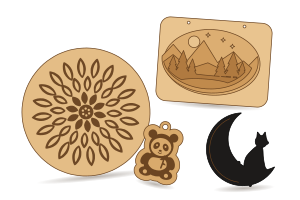
Personalised gifts
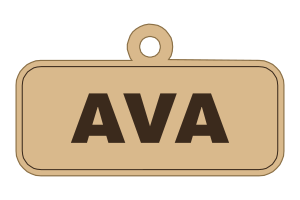
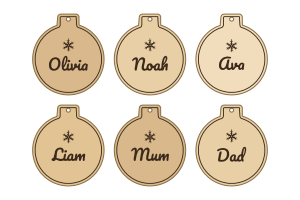
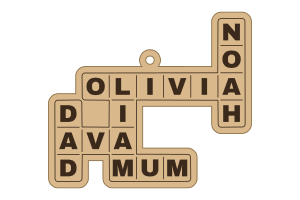
Type a name, pick a style, done.
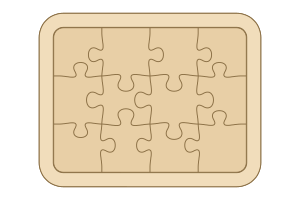
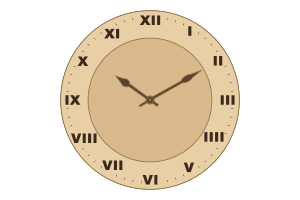
Parties and events
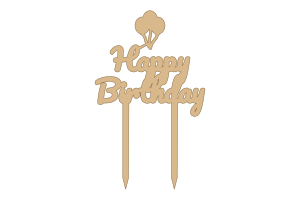
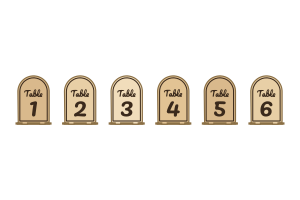
Toppers, table numbers and awards for the day.

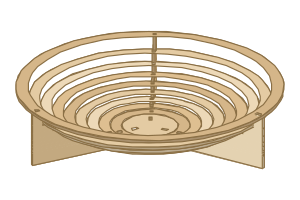
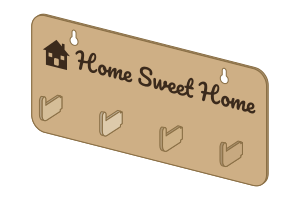
Home and decor
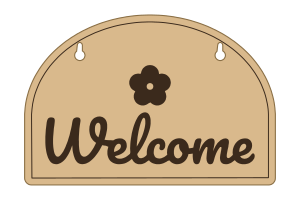
Pieces for the wall, the shelf and the door.
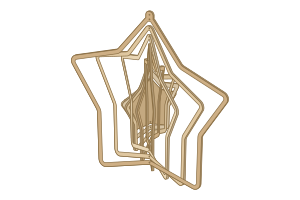
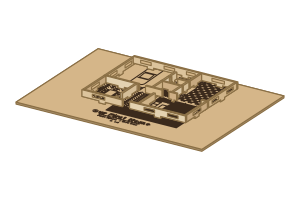
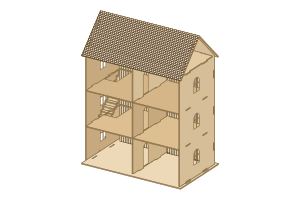
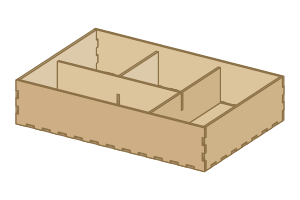
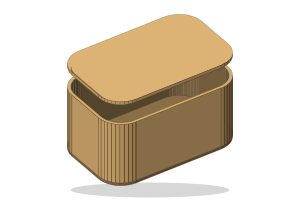
Boxes and packaging
Boxes that fit together, from wood or card.
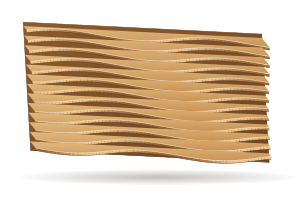
Lettering and sculpture
Bigger projects with more settings.

Two ways to use HingeLab
Online, in your browser
- Nothing to install: pick a design above and start
- Try every generator and the 3D preview free
- Your work is kept in this browser; sign in to save it to the cloud
- Downloading cut files needs Pro
Windows app
- The same editors in their own window, working offline
- Exports go straight to your job folder
- Project files open with a double-click; it updates itself
- Sign in with your HingeLab account
Version 1.39.46 · 15.5 MB · Windows 10 and 11 (64-bit)
Know exactly what you want? See every generator or browse all templates.